
How To: Use SQL to update multiple records simultaneously in the bulkloader
Go to Browse and Edit
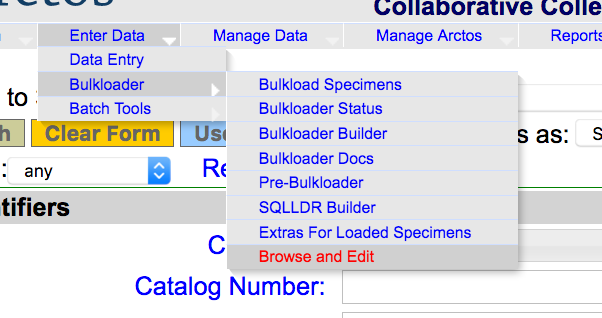
Select the recordset that contains the records of interest

Choose the SQL option.
Read this; it’s important.

If you need additional filters, use the top pane.

After clicking “filter” and waiting for the reload, records are now filtered for MVZ:Mamm (from the initial selection) AND a particular user (copied from the data).
Use the bottom pane to update individual fields. This will update ALL records in the view below. You must choose a column and provide a value.

Doublecheck, triplecheck, click “update.”

All records have been updated.