How To: Create a Citation
Attach a catalog record to a publication via citation. NOTE: Before a cataloged item is cited, the Publication profile must already exist in Arctos. See How to Create a Publication for a tutorial.
NAVIGATION: Manage → Search -> Publications & Projects
- Search for the Publication to which you would like to attach catalog record(s) using the various Publication Search fields
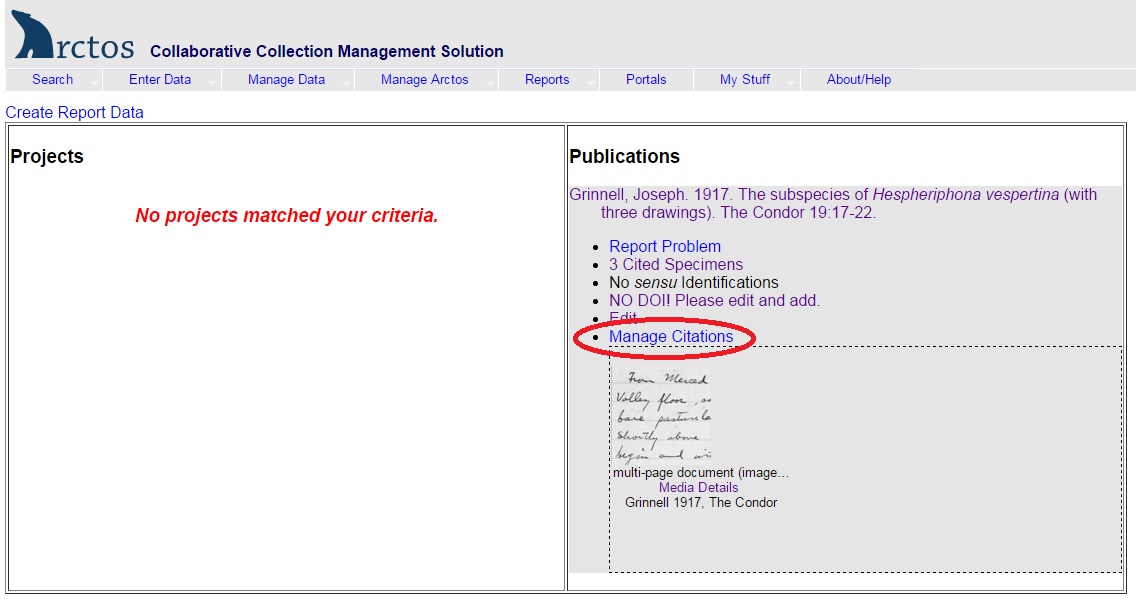
- In the results screen, the publication title will appear with multiple links below it indicating different actions that can be performed. Click on the “Manage Citations” hypertext.
- The Manage Citations screen allows users to view, add or delete catalog record citations. To add a citation:
Citation Type
Select the basis of citation (e.g., voucher, holotype, basis of illustration). Values are controlled by a code table.
Page Number
Indicate the page number on which the cataloged item was first mentioned in the publication,
Citation Remarks
Record any relevant remarks. These will be displayed.
Find a Catalog Record
Use the fields to search for the catalog record to be cited (GUID or catalog number). Once you click the “Find Specimen” button, a “working with specimen” link to the record queried by the search appears. The identification data associated with this catalog record is populated into the Identification fields below.
Identification
- Click on the “Create Citation with this Identification” button if the existing identification is the same as the identification referenced in the citation.
- If the cataloged item is cited under a different identification (e.g., a name that has been synonymized), use the “Create a New Identification” fields and click the “Create Citation and Identification” button to save.
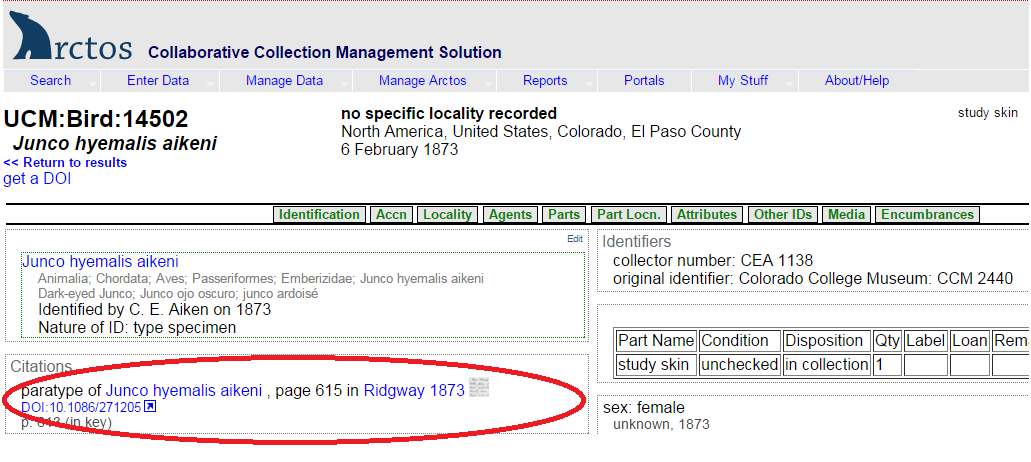
The citation is now created and listed at the bottom of the screen under “Existing Citations” where it can be managed (deleted, edited, cloned). After refreshing/waiting a few minutes, you should see the citation and publication information in the associated catalogrecord(s).