
How To: Agentify Verbatim Agents
“Agentifying” refers to the process of converting information about a person or organization that is currently only recorded in a verbatim agent attribute into a full Arctos Agent record. Doing so may be appropriate if you learn more about the person or organization and need a place to store this information independent of the Catalog record. Follow these steps to create a new Agent record from a verbatim agent, and connect the new Agent to Catalog records in the appropriate roles (e.g. collector, creator, preparator, subject, etc.).

Pro Tip
See also this related video tutorial
Create the Agent record
Before creating a new Agent record, search Arctos carefully to make sure that the entity your verbatim agent represents does not already exist in Arctos, then follow the instructions in How To Create an Agent.
Connect the new Agent to Catalog records
Find Catalog records with the verbatim agent
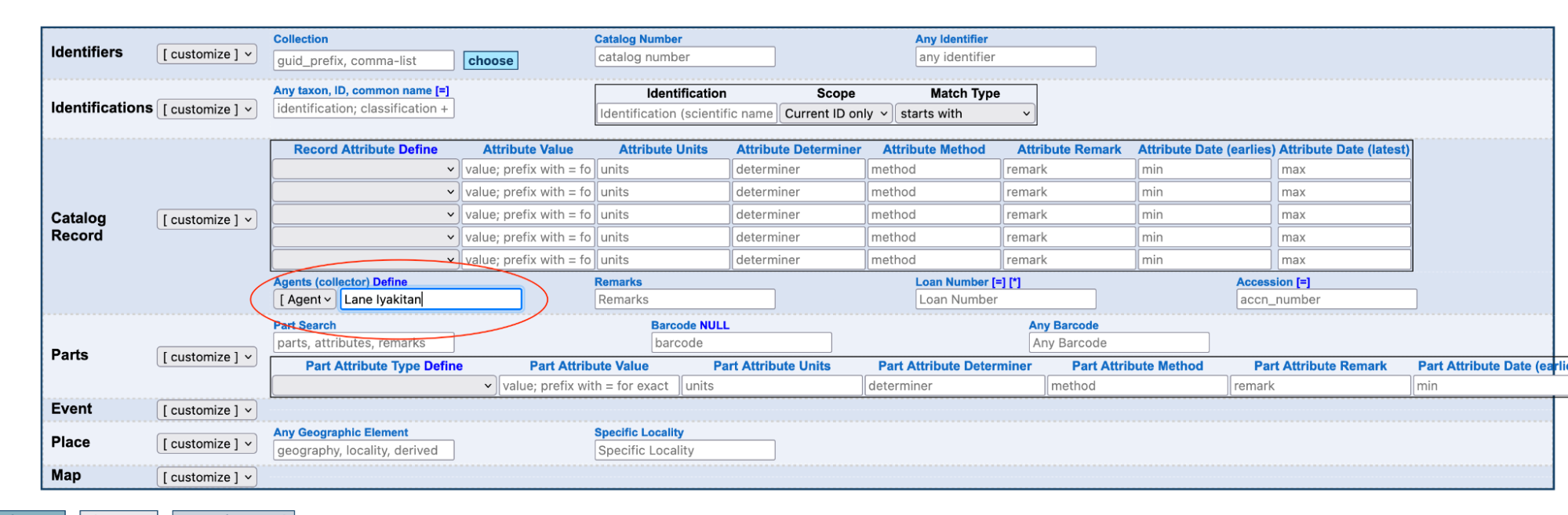
From the main Catalog record search, search the verbatim agent Record Attribute for the verbatim agent namestring.
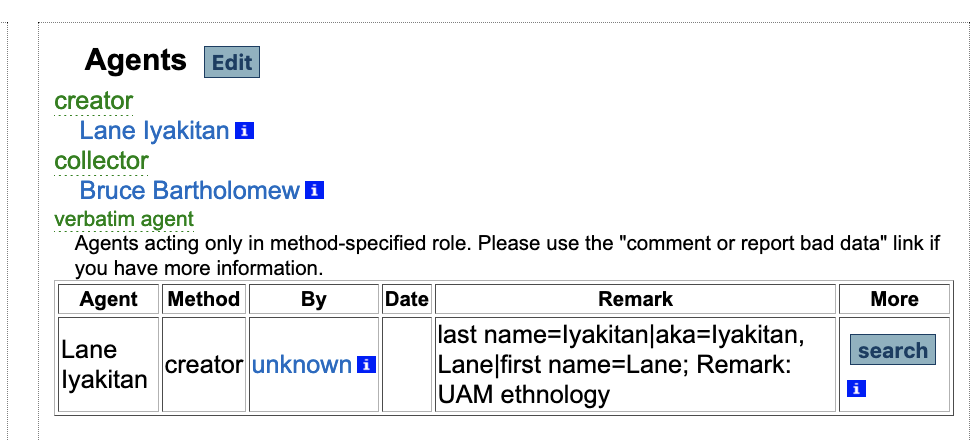
Alternatively, from any Catalog record with an existing attribute containing the verbatim agent, click the Search button next to the attribute.
Add the Agent to Catalog records
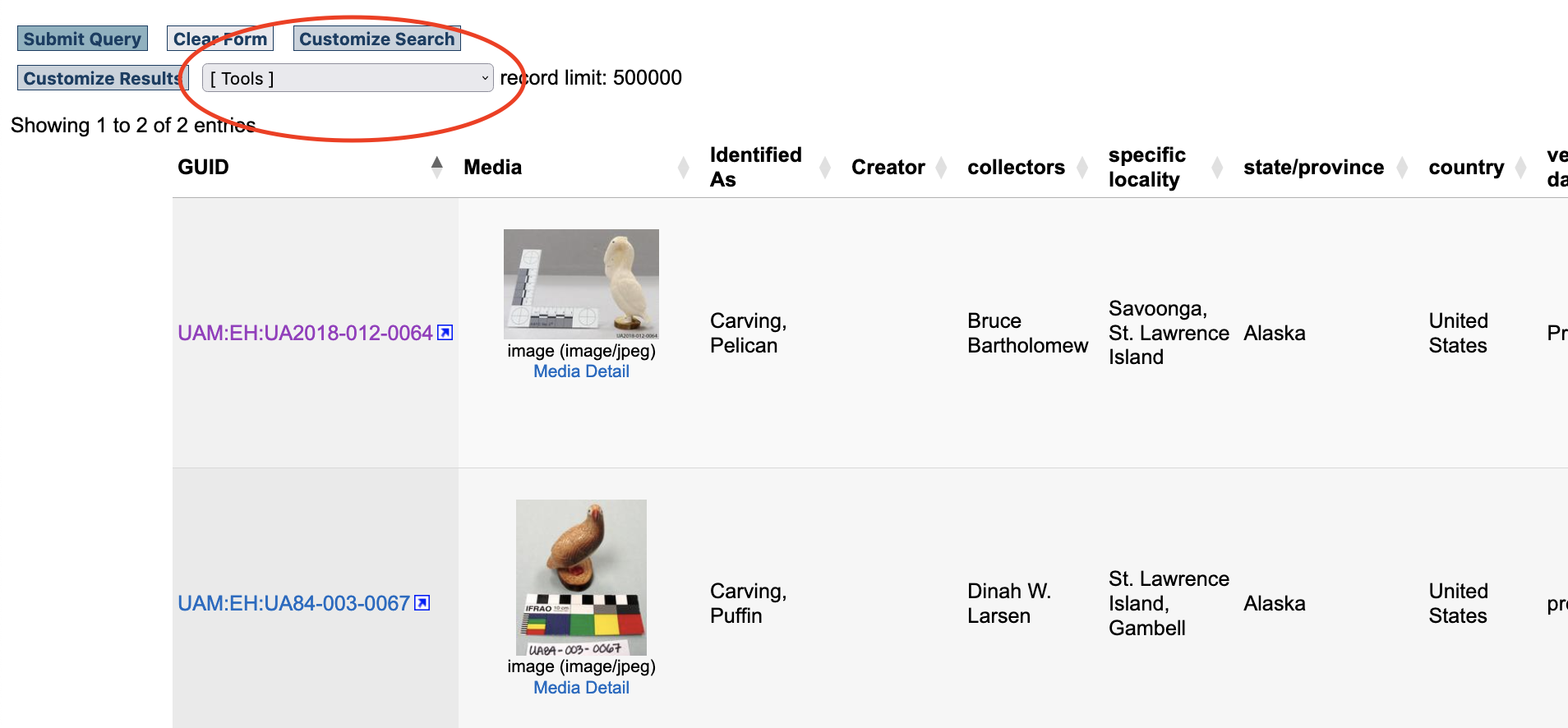
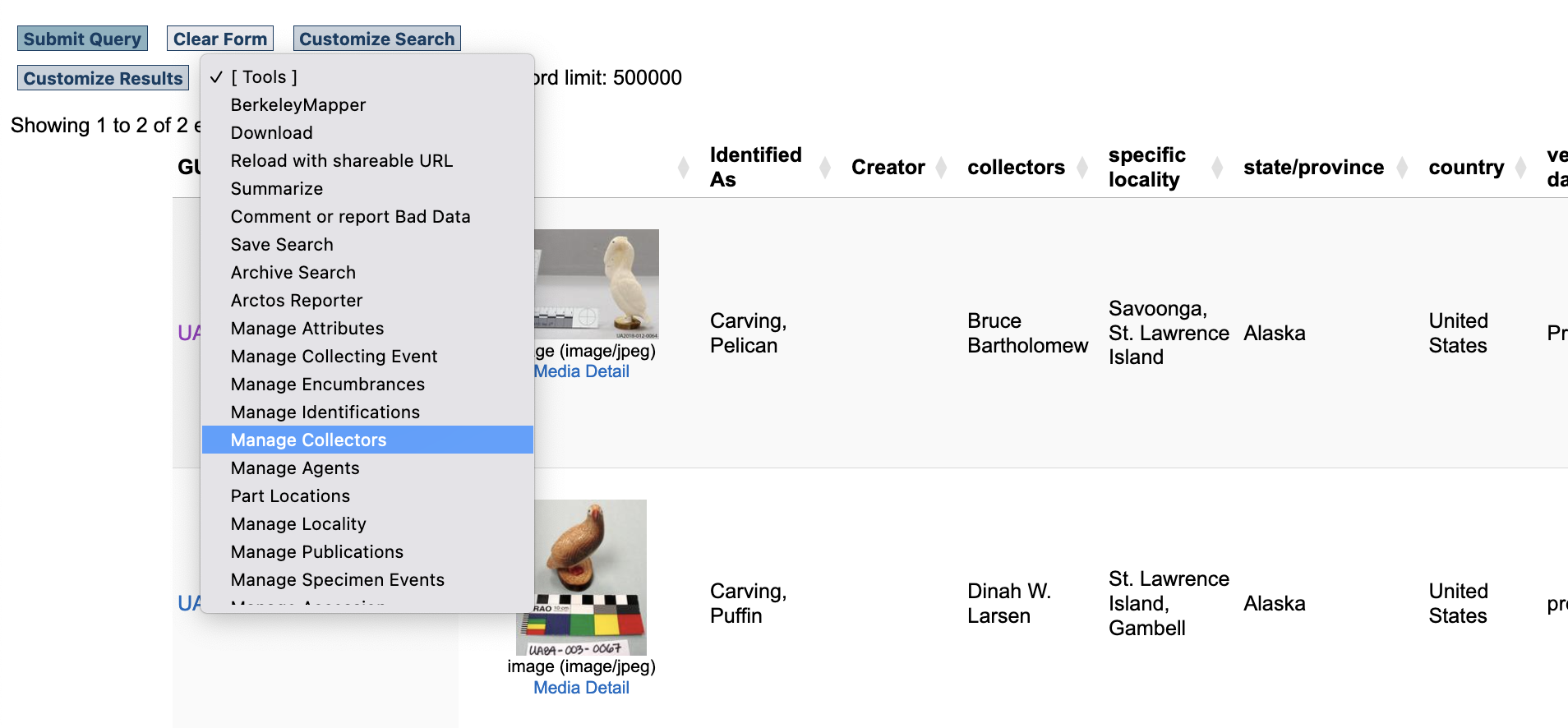
Either of the options above will bring you to the Catalog record search results interface. Find Manage > Collectors under the Tools menu:
Enter the Preferred Name of the Agent in the Name field, then select the Agent role and list order. Click the Insert Agent button to connect the Agent record to the Catalog records listed in this interface.
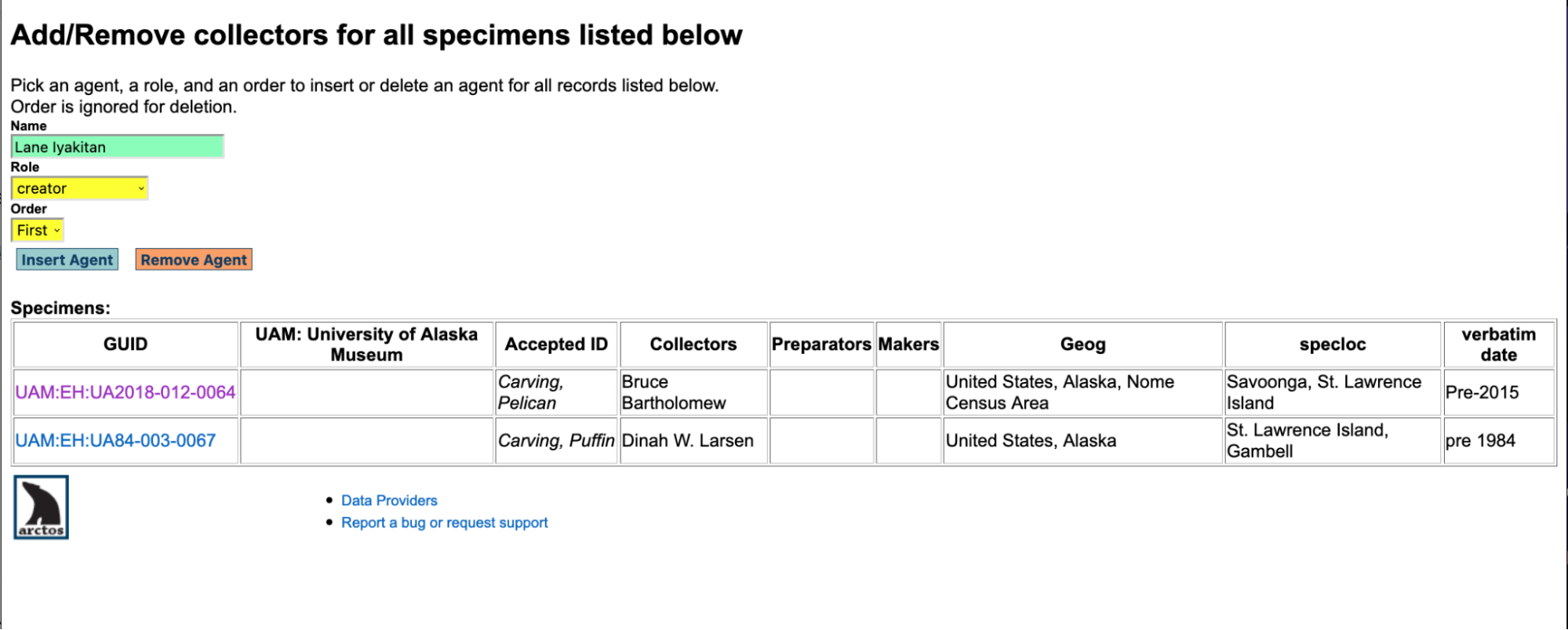
To confirm you did this step correctly, performing a new Catalog record search using the Agents (collector) field instead of via verbatim agent attribute. You should get the same results.
What to do with the verbatim agent attribute
After agentifying, you may feel inclined to discard the verbatim agent attribute because they seem redundant, but in most cases they provide good information about verbatim documentation and should be left in place. If they are truly redundant (i.e. the Agent name is exactly the same and not at all ambiguous), these attributes can be removed using the Un-Bulkload Attributes tool.

Caution
The Un-Bulkload Attributes tool will unload ALL verbatim agent attributes from the records indicated in the tool. If any records contain verbatim agents other than the one you want to remove, you may want to check with a DBA to have them removed for you.